 Clara
On your wrist
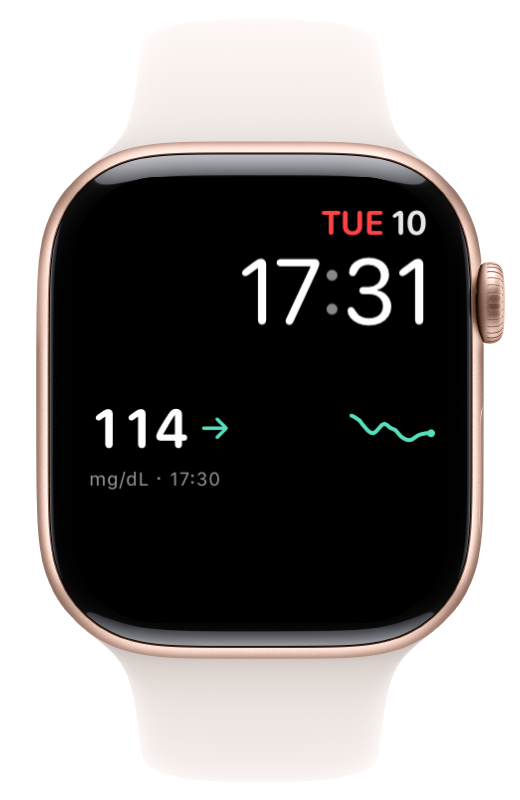
Choose a circular, rectangular or inline complication. Depending on the format, it shows your reading, trend, measurement time or a small chart.
Your reading, trend and measurement time.
On your iPhone and on your wrist.
The app
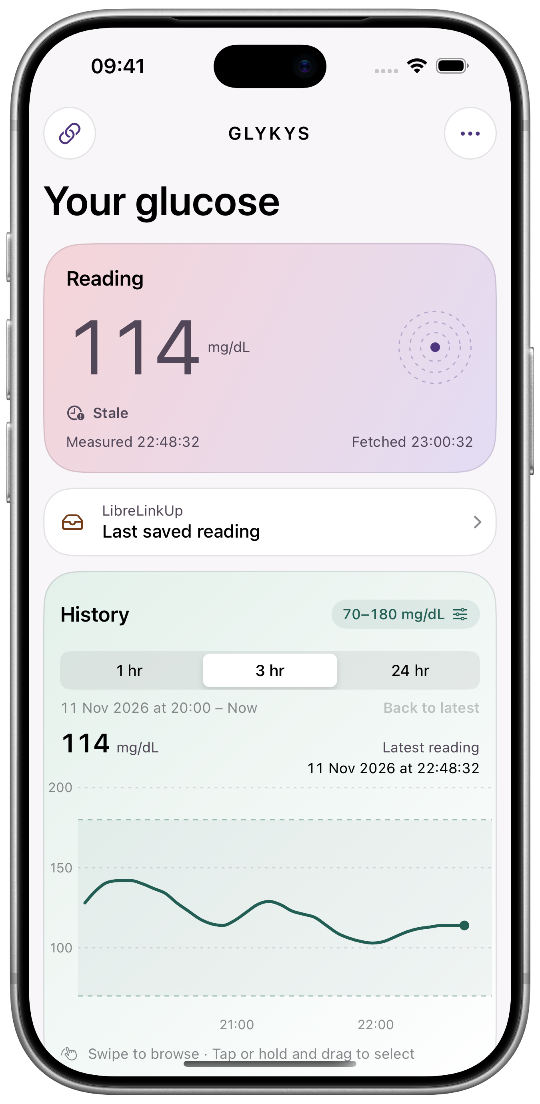
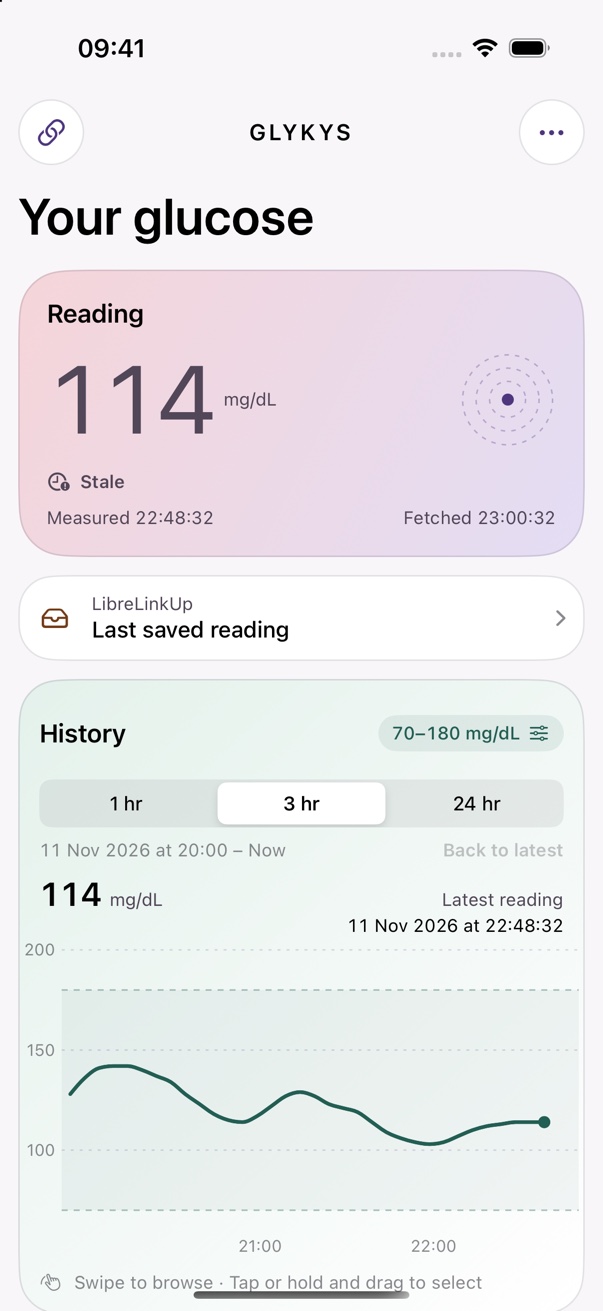
Choose 1, 3 or 24 hours. Swipe through your history or tap a point to see its sensor reading and measurement time.
The light dashboard shows your reading, trend and history.
Choose a circular, rectangular or inline complication. Depending on the format, it shows your reading, trend, measurement time or a small chart.
Read blood glucose data you allow Clara to access in Apple Health. You can also export new readings from your own Libre sensor with separate permission.
Choose light or dark mode, or let Clara switch based on the time of day.
Setup
Clara displays the readings your provider makes available through data sharing.
Accept the sharing invitation in LibreLinkUp, then connect that account in Clara.
Set up LibreLinkUpTurn on Share in the official Dexcom app and connect the sensor wearer’s account.
Set up Dexcom ShareClara runs on iPhone with iOS 17 or later. The Watch app requires a paired Apple Watch with watchOS 10 or later.
Clara shows the original measurement time and marks readings as stale after five minutes. iOS and watchOS determine when background updates are delivered.
Exporting new readings from your own Libre sensor is optional. First check whether another app is already saving the same readings to Apple Health. If so, leave export off.
Clara is a supplementary display. Use your designated glucose monitoring system for alerts, treatment decisions and insulin dosing.